
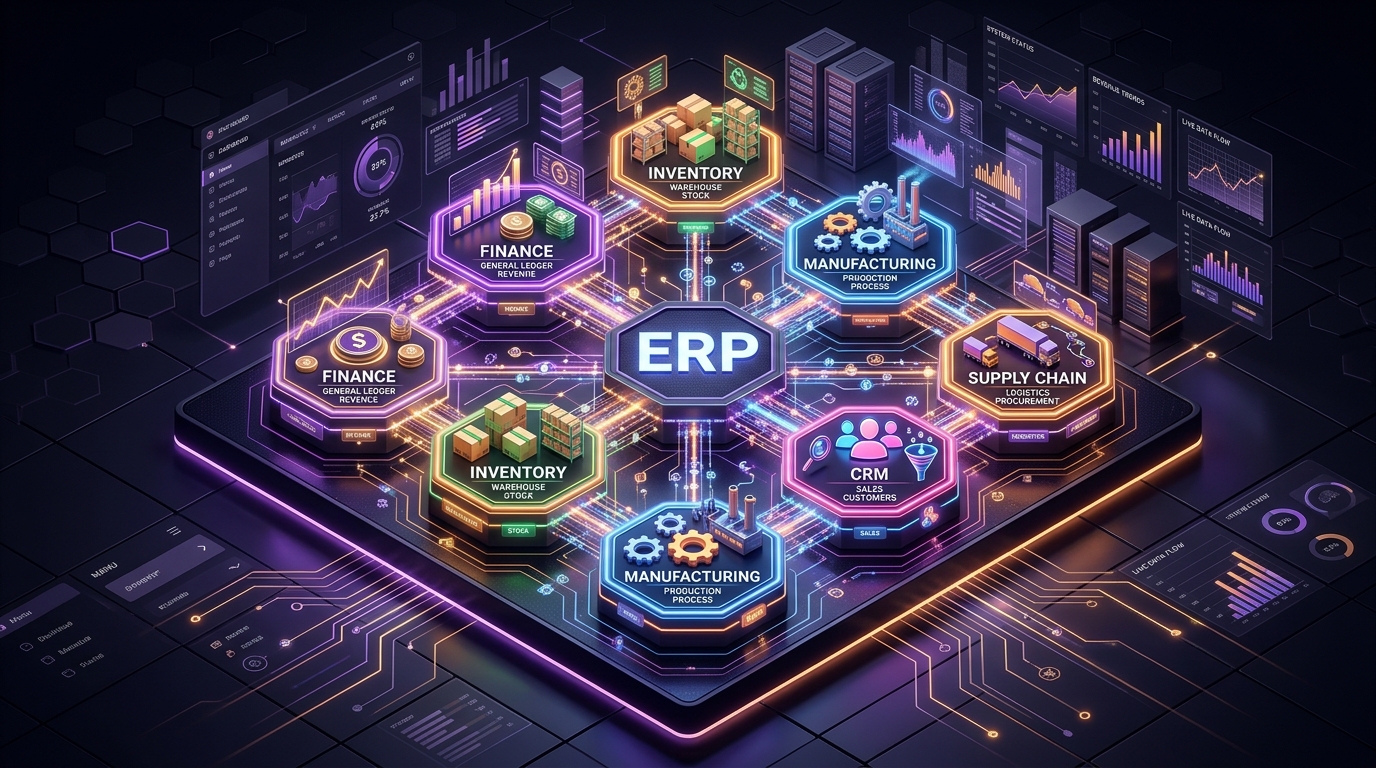
Odoo has become one of the most capable and flexible open-source ERP suites for growing small and medium-sized enterprises (SMEs). Yet industry statistics show that over 50% of ERP implementations suffer significant delays or triple their initial budget.
When an ERP rollout stalls, the software itself is rarely to blame. Rather, the breakdown comes from flawed implementation strategy and process mismatches.
Why ERP Projects are Fundamentally Different
If you treat an ERP implementation like a standard custom software build, you have already failed.
In custom software (like a SaaS product or a mobile app), the boundary between the software and the business is clear. You build features to serve users. If a feature is missing, the user might be annoyed, but the business continues.
In an ERP implementation, the software becomes the business process. The boundary blurs entirely. Scope creep in ERP is not just a product manager asking for a new button; it is structural. It happens because a warehouse manager refuses to change how they count inventory, or an accountant insists on a specific invoice numbering format they’ve used since 2005. Implementing an ERP is 80% organizational change management and 20% writing code.
Pre-Implementation Readiness Checklist for SMEs
Before writing a single line of custom Odoo code or importing a single CSV file, ensure your organization can check these boxes:
- Executive Sponsorship: The CEO or COO is visibly championing the project, not just delegating it entirely to the IT department.
- Standardization Baseline: You have mapped out your core processes (Procure-to-Pay, Order-to-Cash) and are willing to adapt them to software standards.
- Resource Allocation: Key personnel (head of accounting, warehouse manager) have 20% of their weekly capacity freed up specifically to test the ERP.
- Clean Data Initiative: A team is already actively deleting duplicate customers and standardizing SKUs in your legacy system.
If you are missing these, hit pause.
The 5 Critical Implementation Mistakes
Here are the 5 most common traps that drain budgets, and how to prevent them.
1. Over-customization from Day One
- The Mistake: Attempting to force Odoo to recreate every single legacy Excel workflow. Companies often demand dozens of custom Python modules to make the new system look and behave exactly like the old system.
- The Fallout: Ballooning development costs, system instability, and immense technical debt. When it is time to upgrade to the next major Odoo version, those custom modules will break, making the upgrade prohibitively expensive.
- The Solution: Adopt an 80/20 Standard-First approach. Odoo’s native workflows represent global best practices. Rely on them for 80% of your operations (like standard journal entries or basic inventory moves). Reserve custom module development strictly for the 20% of workflows that provide a true competitive moat (like a proprietary pricing algorithm or a specialized manufacturing routing).
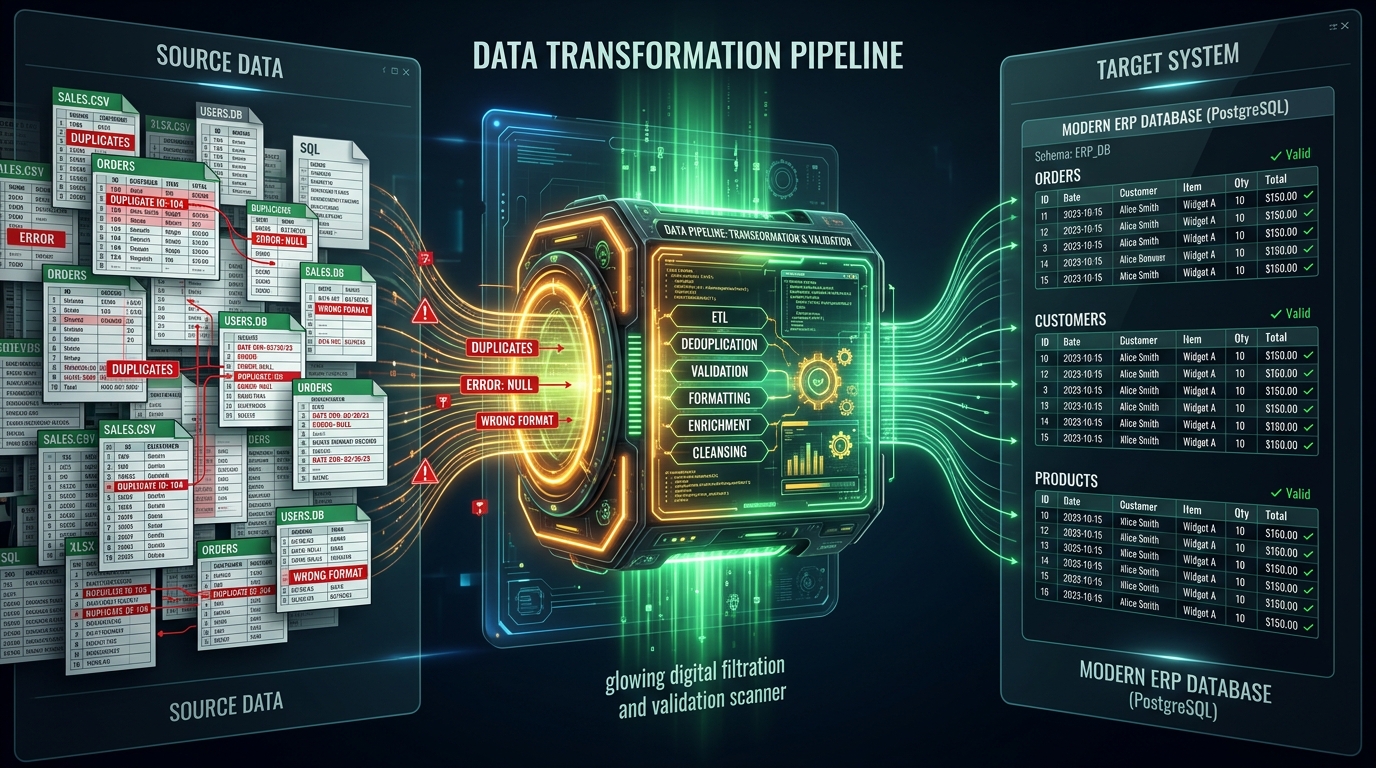
2. Migrating Dirty Legacy Data (Garbage In, Garbage Out)
- The Mistake: Exporting tables from the old system and bulk-importing them into Odoo without review. This includes duplicate customer records, obsolete SKU numbers, and inaccurate inventory balances.
- The Fallout: From day one of go-live, users cannot trust the system. Warehouse discrepancies halt shipping, billing errors anger customers, and the accounting ledger refuses to balance.
- The Solution: Treat ERP implementation as an opportunity for deep data cleansing. Establish a strict cutoff date. Consolidate SKUs, remove inactive contacts, and verify opening financial balances. It is better to launch with limited, clean data than to migrate a decade of digital hoarding.
3. Neglecting Change Management & User Training
- The Mistake: Executive leadership approves the software, IT configures it, and it is thrown over the wall to operational staff (warehouse managers, accountants, sales reps) with a one-hour demo.
- The Fallout: Employees feel overwhelmed and resist the new system. They find workarounds, continuing to keep shadow spreadsheets on their local drives while doing the bare minimum in Odoo.
- The Solution: Involve “Key Users” from every department early in the sandbox phase. Their feedback is critical. Produce concise, role-specific video walkthroughs. Conduct hands-on training workshops where staff use the system to execute their actual daily tasks using dummy data.
4. Inadequate Role-Based Access Controls (RBAC)
- The Mistake: To avoid permission bottlenecks during testing and rollout, administrators grant broad “Admin” or “Manager” privileges to frontline staff.
- The Fallout: Unintentional deletion of critical financial records, accidental confirmation of massive purchase orders, and exposure of confidential executive salary data to the entire company.
- The Solution: Define a clear Role-Based Access Control matrix by department before entering production. Restrict deletion rights entirely. Odoo’s security groups are powerful; use them to ensure employees only see the menus and data required for their specific job.
5. Choosing an Implementation Partner Without Local Domain Expertise
- The Mistake: Selecting a development agency that understands Python and PostgreSQL, but lacks deep knowledge of local accounting standards, e-invoicing compliance, and statutory tax reporting requirements.
- The Fallout: The system technically works, but the financial statements generated cannot be used for tax filings. The company has to export data back into Excel to manually calculate taxes, defeating the purpose of the ERP.
- The Solution: Partner with an end-to-end technology team that bridges software architecture and operational business reality. Your partner must understand both the code and the compliance.
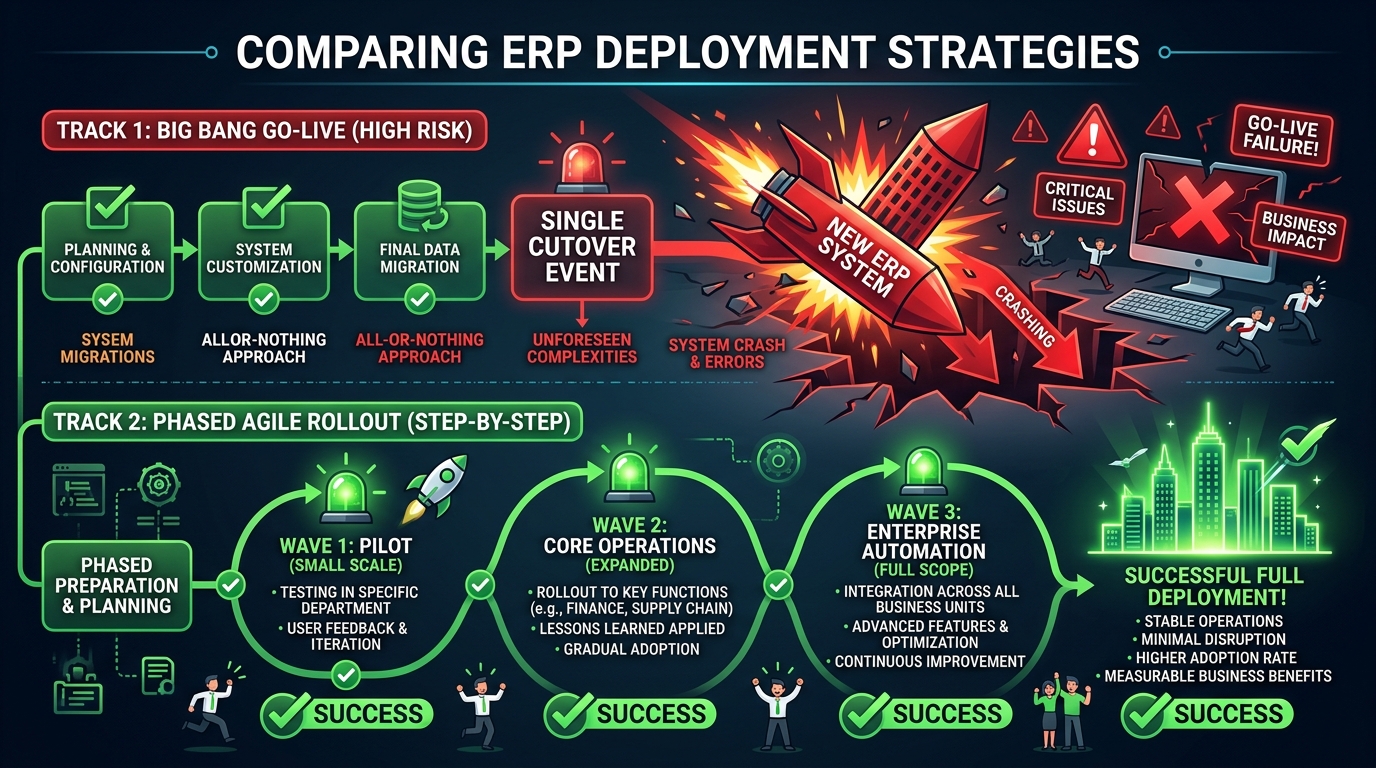
Structuring the Go-Live Phase: Avoiding the “Big Bang”
A major reason ERP projects fail is the “Big Bang” launch strategy — flipping the switch on a Friday night and expecting the entire company to run perfectly on the new system by Monday morning.
Instead, structure your go-live for safety:
- Parallel Run: For critical financial systems, run the old system and Odoo in parallel for one fiscal month. It doubles the workload temporarily but guarantees data integrity.
- Phased Rollout by Department: Launch CRM and Sales first. Once stable, roll out Inventory and Purchasing. Finally, bring Accounting online.
- The Sandbox Buffer: Maintain a staging environment (Sandbox) that mirrors production exactly. Never test a new configuration in production.
What Good Post-Go-Live Support Looks Like
Launch day is not the finish line; it is the starting line. A successful implementation requires a structured support plan for the first 90 days.
Good support looks like:
- Daily Stand-ups: 15-minute syncs with Key Users to identify blockers immediately.
- Rapid Bug Triage: Distinguishing between “The system is broken” (requires code fix) and “I forgot how to do this” (requires retraining).
- Continuous Optimization: Once users are comfortable, revisiting the system to automate the manual steps they’ve identified during real-world usage.
Streamline your enterprise with TailorX
Through our TailorX and AdaptX services, MaxStack delivers agile, business-first ERP implementations. We don’t just install software; we align it with your business goals.
Our methodology:
- In-depth business workflow discovery.
- Standard module configuration and localized integrations (e-invoicing, tax).
- Structured data migration and hands-on team enablement.
- Dedicated post-launch technical support and continuous optimization.
Looking to modernize your internal operations without the typical budget overruns? Schedule an enterprise ERP discovery call with MaxStack today.

Comments & Discussion
0Your email address will not be published.
No comments yet. Be the first to share your perspective!